
LabeljoyNew version
An Excel workbook is the most common home for label data, and Labeljoy reads it directly - you don't need Excel installed, and it's fine if the workbook is open in Excel while you connect it. In the Data connection wizard, choose Excel. It reads .xls, .xlsx, .xlsm and .xlsb files.
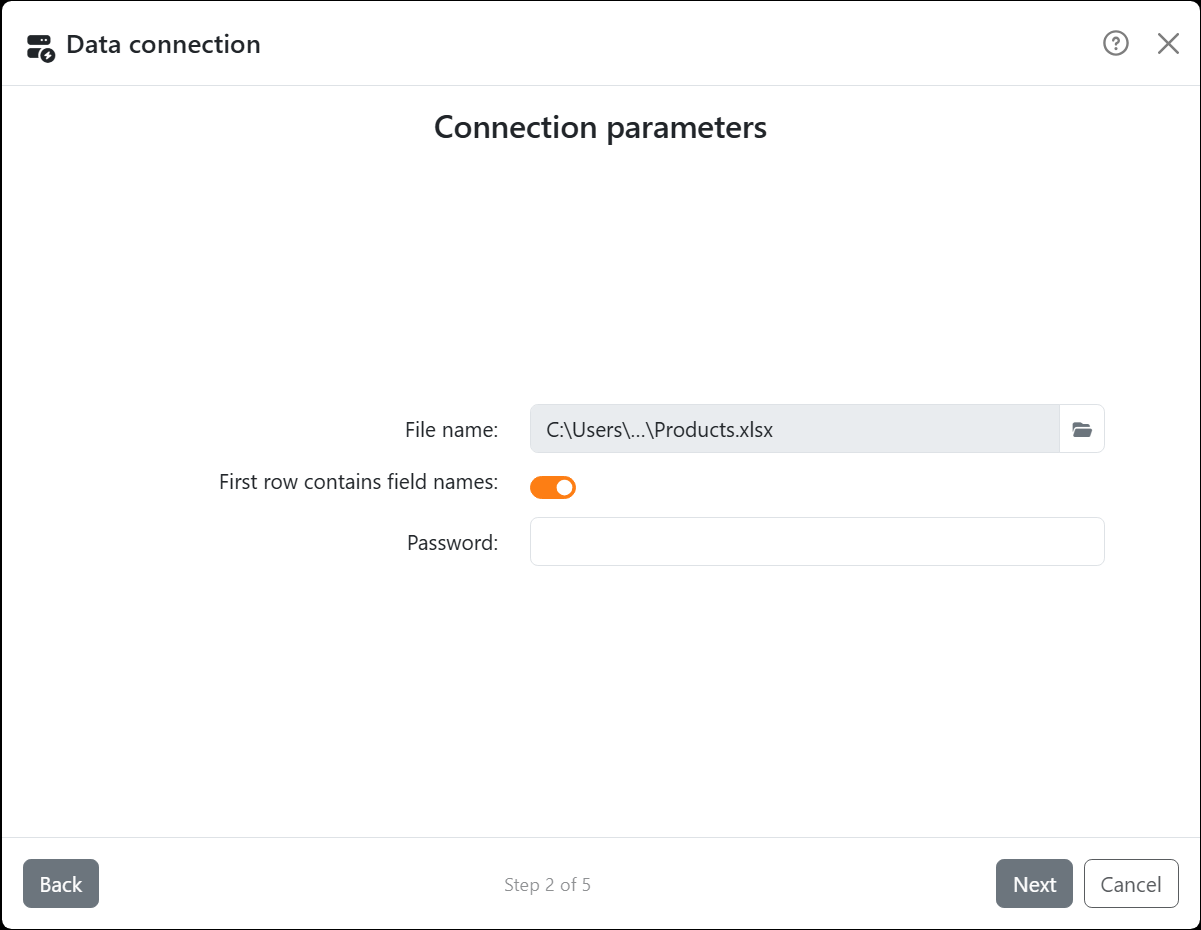
| Connection parameters | |
| File name | The workbook. Pick it with the folder button next to the box. |
| First row contains field names | On when the first row holds the column titles - they become the names of the fields. Off, every row is data and the fields are called F0, F1, F2 and so on. A column with an empty title gets a name like that too. |
| Password | Only for a workbook that asks for a password to open. It's saved with the document, encrypted, so updating the data doesn't ask again. |
| Data source | |
| Source | Pick the worksheet. Empty worksheets aren't listed. Labeljoy reads the whole area the sheet uses, from its first row. |
Your numbers and dates arrive as numbers and dates, as they're stored in the cells - which matters when you filter and sort them.
Using LibreOffice or another spreadsheet program? Save the sheet as .xlsx, or as a CSV file and see Text and CSV files. OpenDocument files (.ods) can't be read.




























