
LabeljoyNew version
Labeljoy talks to the most common professional databases by itself - there's nothing else to install. In the Data connection wizard, choose MySQL, SQL Server, Oracle, Firebird, PostgreSQL or MongoDB, and tell it how to reach the server. Your database administrator knows the details.
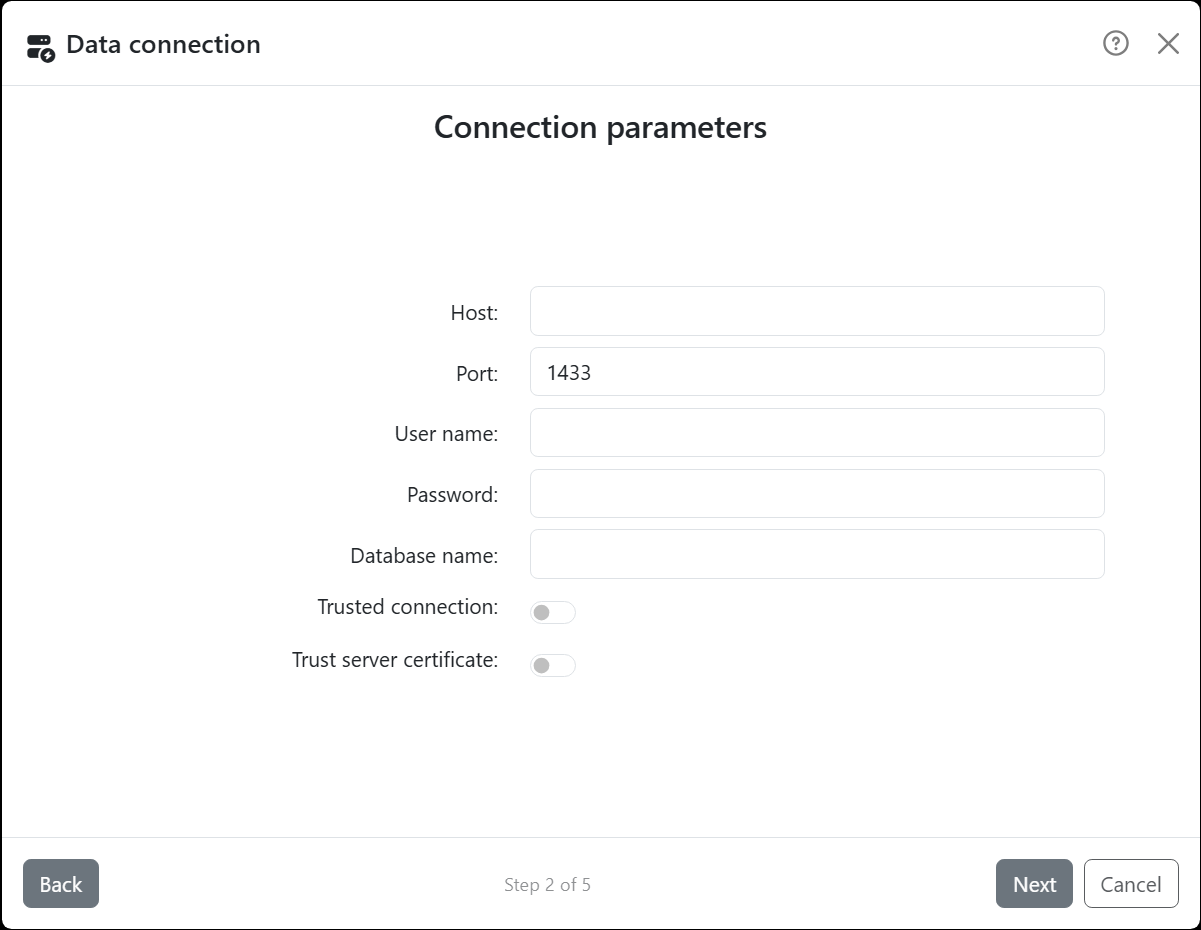
| Connection parameters | |
| Host | The server's name or address. |
| Port | Filled in with the usual one for the server you chose - change it if yours is different. |
| User name, Password | The account to connect with. The password is saved with the document, encrypted, so updating the data doesn't ask for it. |
| Database name | Which database on the server. For Oracle it's Service name; for Firebird, the database's path or alias on the server. |
| Authentication database | MongoDB only: where your account is defined. Empty, it's admin. |
| Trusted connection | SQL Server only: connects with the account you signed in to your computer with, instead of a user name and password. |
| Trust server certificate | SQL Server only: accepts the server's security certificate even when no authority vouches for it - a new SQL Server Express, for example, has one of its own. Switch it on when connecting fails with The certificate chain was issued by an authority that is not trusted. |
A SQL Server named instance goes in Host as server\instance, with Port left empty.
Next connects to the server, and the Data source step lists its tables and views. When two of them have the same name in different parts of the database, the full name tells them apart, as in Sales.Customer. Stored procedures and functions aren't listed: to use one, pick SQL query and call it there, as your server does - EXEC on SQL Server, CALL on MySQL, for example.
| Good to know | |
| SQL query | Written in your server's own SQL. Next checks it with the server, and says what's wrong if it can't run it. |
| A read-only account | Labeljoy only reads, but a query runs whatever you type in it. An account that can only read is the safe choice. |
| Oracle | Lists the tables and views of the account you connect with. For anyone else's, use a query. |
| MongoDB | Lists the collections of the database. The fields are the properties found in the first 50 documents; a property holding an object or a list comes through as its JSON text. A collection is read whole: there's no query for MongoDB. |
| Opening the document | The records are saved in the document, so it opens and prints without the server. Labeljoy connects again only when you update the data. |




























