
LabeljoyNew version
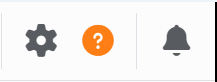
The Help panel tells you about the version of Labeljoy you have, and it's where you get in touch with technical support. To open it, click the question mark in the toolbar.
| Getting help | |
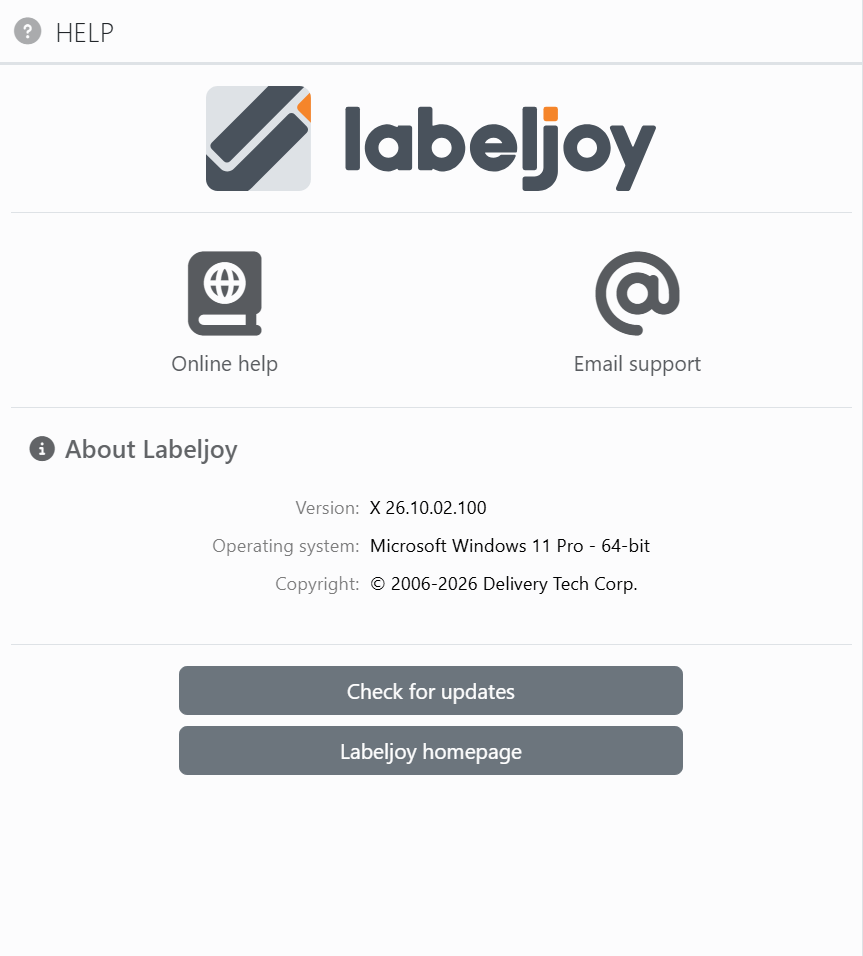
| Online help | Opens this guide in your web browser. |
| Email support | Opens the support request form in your web browser. See Email support for what's sent with your request. |
| About Labeljoy | |
| Version | The version of Labeljoy you're running. Mention it when you contact support. |
| Operating system | The operating system Labeljoy is running on. |
| Copyright | The copyright notice. |
| Buttons | |
| Check for updates | Checks whether there's a newer version of Labeljoy, and offers to download and install it - see Checking for updates. You'll see this button once Labeljoy is activated. |
| Labeljoy homepage | Opens the Labeljoy website in your web browser. |




























