
Connect a list - products, addresses, serial numbers - to a label set, and Labeljoy makes one label for every row of your data. You design the label once, put the fields you want on it - the columns of your data - and each label shows the values of its own row.
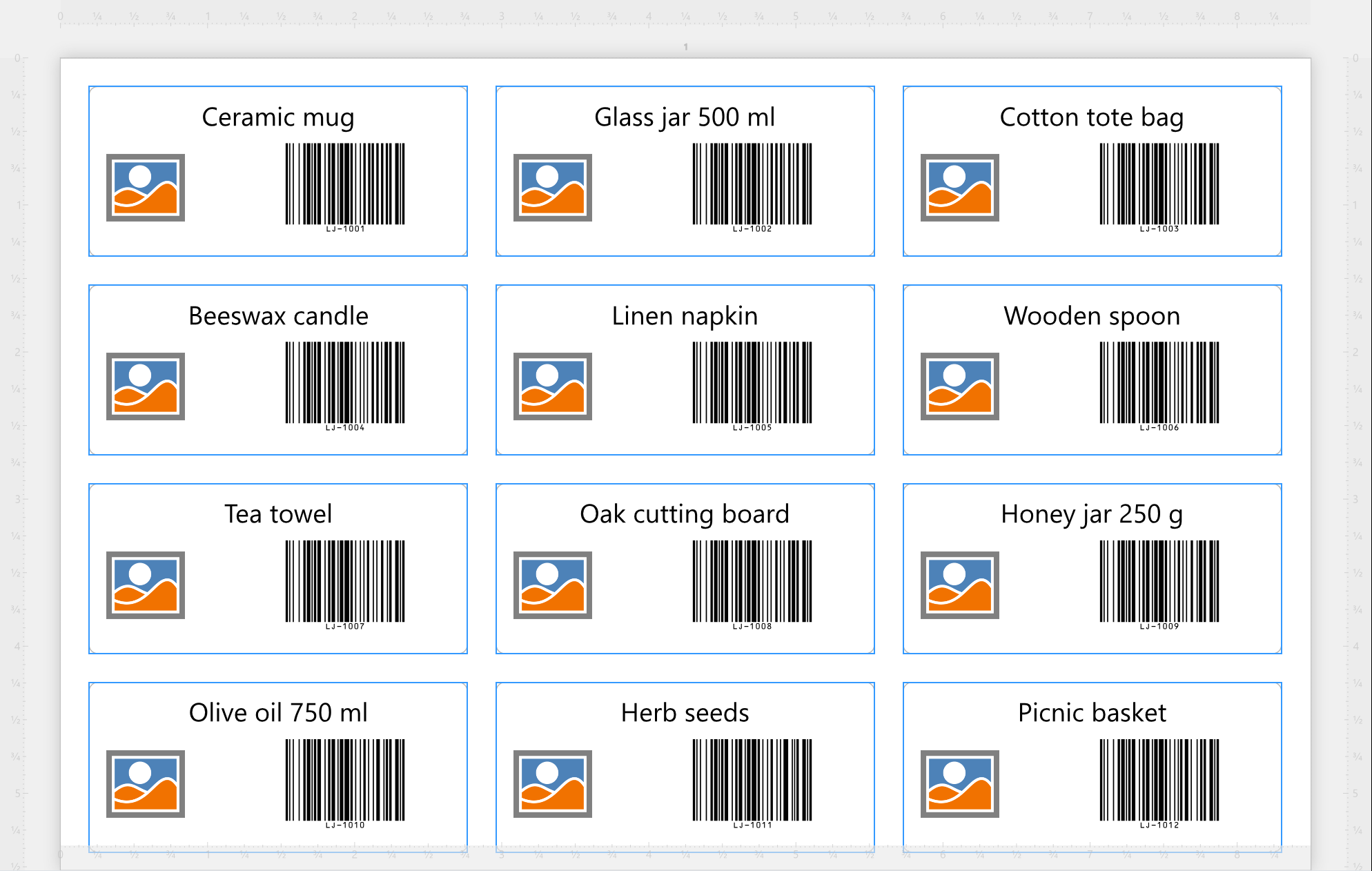
The data can come from almost anywhere: a spreadsheet, a text or CSV file, a database file, XML or JSON, a professional database, or even what you've just copied. Here's how it goes:
| Labels from your data, in three steps | |
| 1. Connect | Open the Data source panel and click Connect data source. The Data connection wizard asks what kind of data it is and where it is, and shows you the records before you confirm. |
| 2. Put the fields on the label | Drag a field from the Data source panel onto a label, or pick it from the Fields menu of the text editor. It goes in as a placeholder: on every label, it's replaced by that row's value. It works in texts, barcodes and images. |
| 3. Print or export | As usual - see Output. Every row becomes a label. |
Want just some of the rows, or in a different order? That's Filter and sort. When the data changes, update it, and the labels follow.
| What changes when a label set has data | |
| How many labels | One for each row, or as many as a column of your data says for each row: that's the Quantity field in the wizard. Replicas, in the Data source panel, makes copies of each on top of that. The Number of labels of the Label set panel is dimmed, because your data decides. |
| The data travels with the document | Labeljoy keeps a copy of the records in the document. It opens and prints even when the file or the server isn't there, and it only reads the source again when you update the data. |
| Each label set has its own | A document with several label sets can connect each one to different data - or leave some with a fixed number of identical labels. |
Rather ask than click? Joy, the AI assistant, can connect a file or the clipboard to a label set for you. For a password-protected file or a professional database, use the wizard - Joy never handles passwords.




























