
LabeljoyNew version
Labeljoy can read data from anything that comes with an ODBC driver - another database, an accounting program - through that driver. In the Data connection wizard, choose Custom connection.
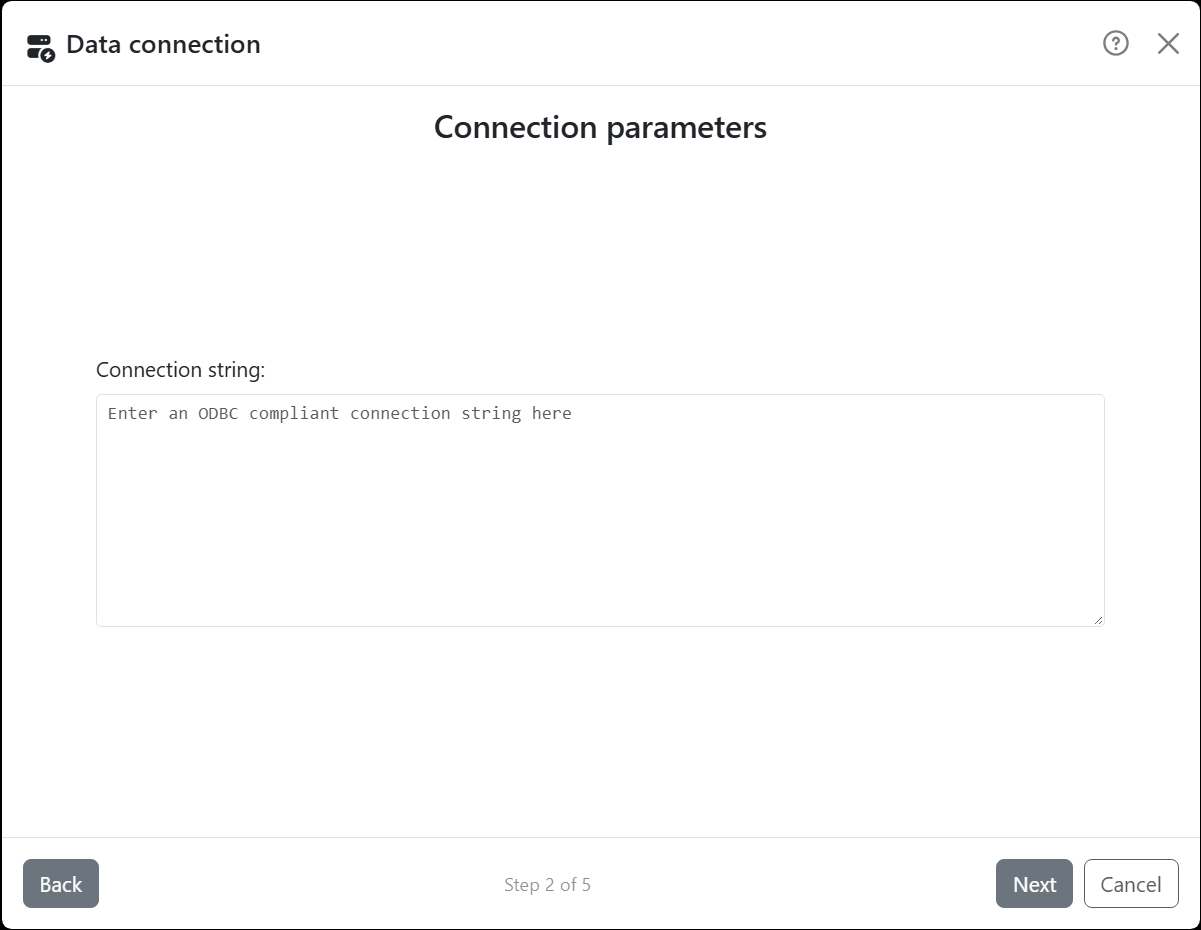
| Connection parameters | |
| Connection string | What the driver needs to connect, as the driver's documentation says. It's either the name of a data source you've already set up, as in DSN=Warehouse, or the driver and its settings, as in Driver={...};Server=...;Database=.... |
Next connects, and the Data source step lists the tables and views the driver reports, or takes an SQL query in the language the driver understands. Stored procedures aren't listed: call them from a query.
Labeljoy is a 64-bit program, so it needs the 64-bit version of the driver, and a data source set up in the 64-bit ODBC settings.
A password in the connection string is saved with the document, encrypted.




























