
LabeljoyNew version
The Line section draws a straight line through the middle of the element, from edge to edge - a rule under a heading, a divider, an arrow.
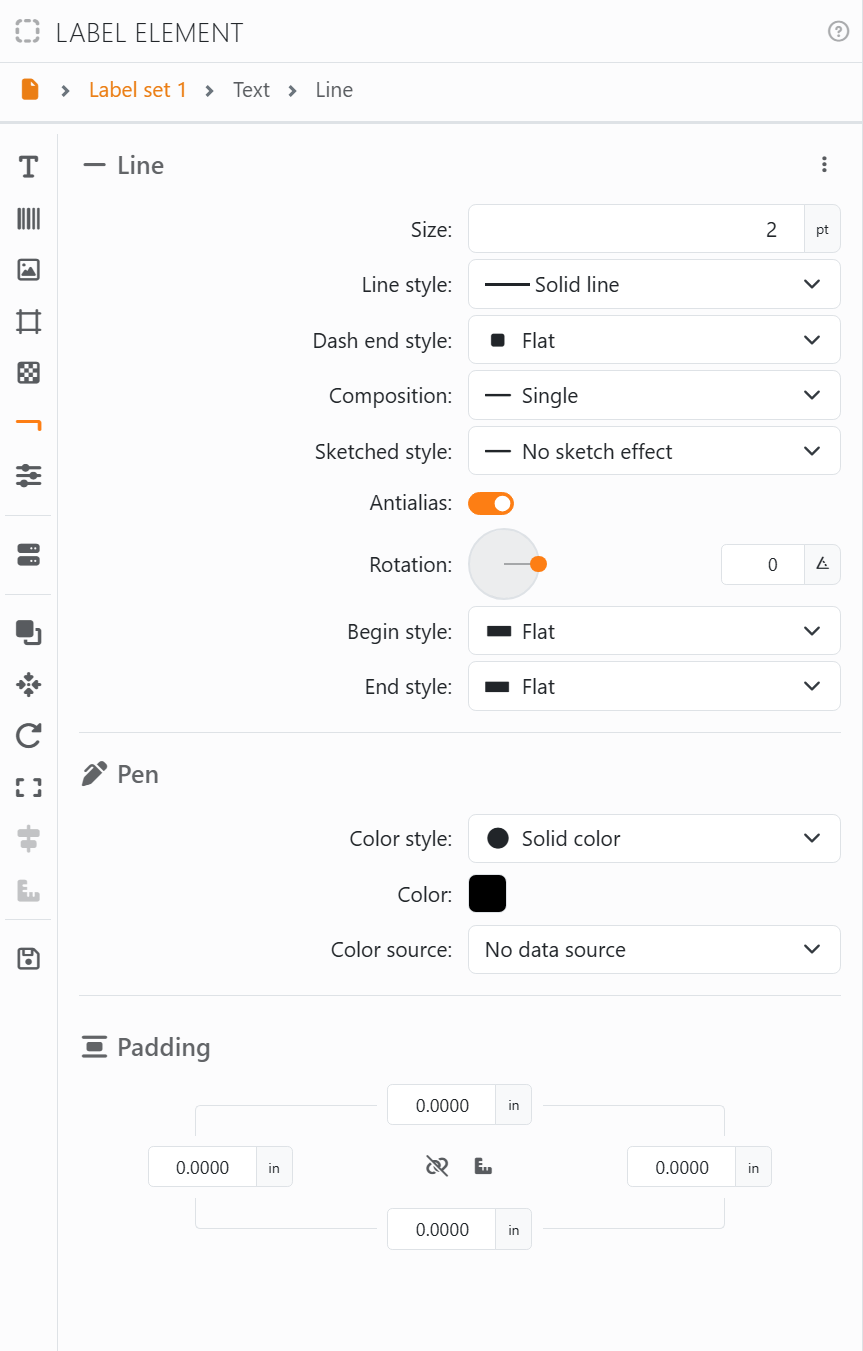
The line appears once its Size - its thickness, in points - is above 0. Until then the section shows only that box.
| The line | |
| Line style | Solid line, or one of nine kinds of dashes and dots. |
| Dash end style | The ends of each dash: Flat or Round, which rounds them - and the ends of the line too. |
| Composition | Single, or two, three or four lines side by side: Double thin, Double thick, Triple, Triple Inverted, Quadruple, Quadruple mixed. |
| Sketched style | A hand-drawn look: Subtle, Medium or Heavy. |
| Antialias | Smooths the edges of the line. |
| Rotation | The angle of the line: 0 is across, 90 is up and down. However you turn it, it runs through the middle and reaches the edges of the element. |
| Begin style, End style | What each end looks like: Flat, Round, Triangle, Square, Circle, Diamond or Arrow. |
| Pen | The color of the line. |
| Padding | Space between the edge of the element and the ends of the line. See Padding. |
The line always fills the element: to make it shorter or longer, resize the element. For a line round the element, use its border instead.




























