
EAN is the barcode on retail products everywhere outside North America. EAN 13 carries a 13-digit product number, the GTIN-13; EAN 8 is the short version for small packs. The numbers are assigned by GS1: a shop's scanner looks them up, so a product needs a real one.
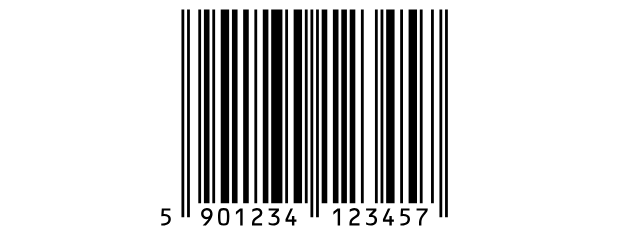
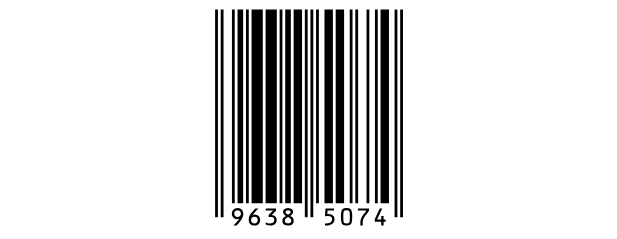 EAN 8 | 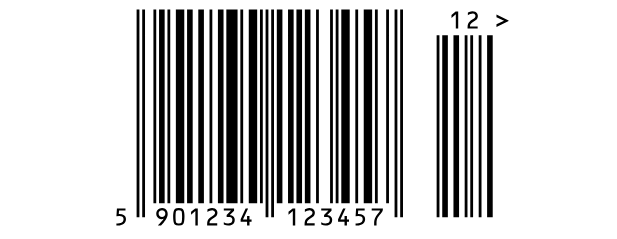 EAN 13 with a 2-digit add-on |
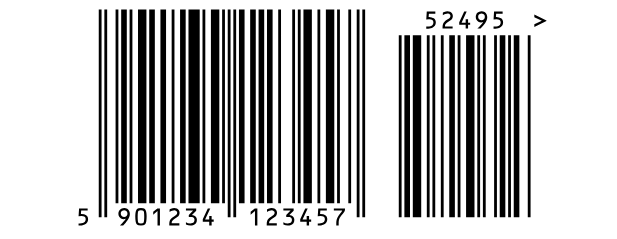 EAN 13 with a 5-digit add-on | 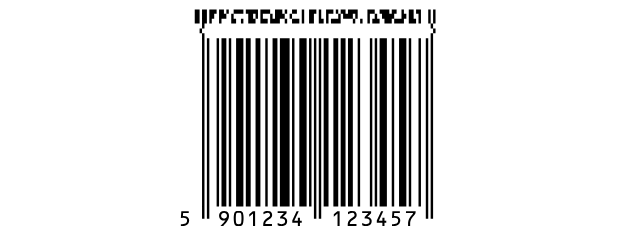 EAN 13 with a GS1 composite part |
| What it holds | |
| Characters | Digits only. |
| Length | EAN 13: 12 digits, or 13 with the check digit. EAN 8: 7 digits, or 8 with the check digit. |
| Check digit | Always there. Type it or leave it out: Labeljoy works it out, and if you typed one it checks that it's right. |
| Modes | EAN 13 or EAN 8. |
| Readable text | The digits, under the bars or over them: for EAN 13 the first one outside the bars, on the left. |
The add-on. EAN/UPC add-on, under the text to encode, adds a small second barcode of 2 or 5 digits on the right - the issue number of a magazine, say, or the price on a book.
GS1 composite. A small 2D part above the bars for extra data, such as a batch and an expiry date: see GS1 and HIBC data. With it, the text can only go under the bars.
The rest of the settings are in the Barcode section. While the digits are printed the margins on either side are part of the barcode, so the Quiet zone switch shows only with Text position set to Hidden.
| What goes wrong | |
| Invalid check digit. | The last digit you typed isn't the right check digit for the others - often a sign of a mistyped number. |
| Requires 13 characters in the input data. | Too few digits for an EAN 13 (for an EAN 8, the message says 8). |
| Input data too long. | Too many digits. |
| Numeric only data expected. | The value has something other than digits. |
| The EAN/UPC add-on must be 2 or 5 digits. | The add-on is the wrong length, or not all digits. |
A book's barcode is an EAN 13 too, starting with 978 or 979: it has a page of its own, ISBN.
See also




























