
Databar - GS1 DataBar - carries a product's GTIN in less space than an EAN, and its Expanded versions add the weight, price, expiry date or batch that fresh food and coupons need. It comes in seven versions, which you choose with Mode.
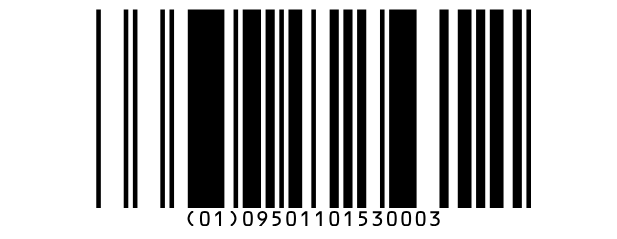 Omnidirectional | 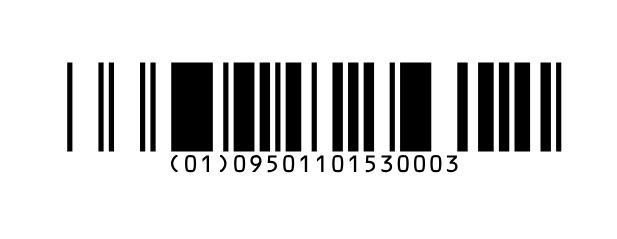 Truncated |
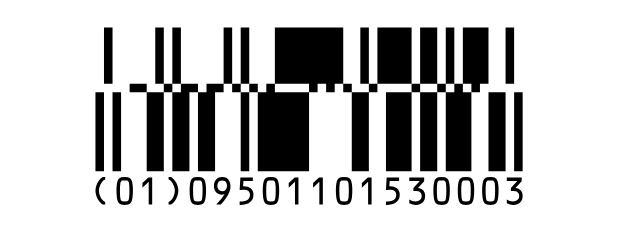 Stacked | 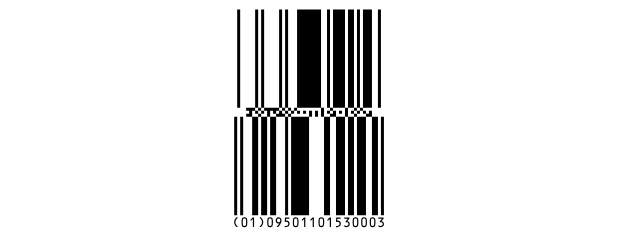 Omnidirectional Stacked |
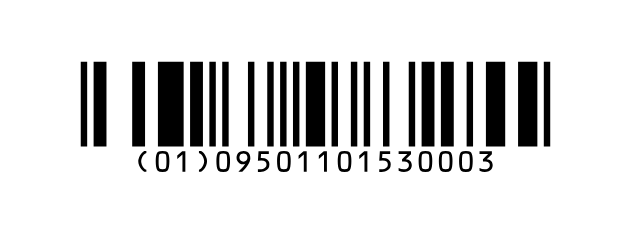 Limited | 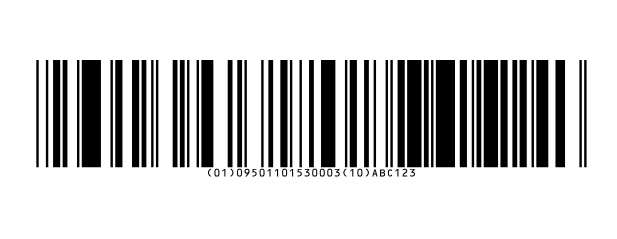 Expanded |
 Expanded Stacked |
| Modes | |
| Omnidirectional | A GTIN, read from any direction by the scanners at a shop's checkout. |
| Truncated | The same, a third of the height, for small items read with a hand scanner. |
| Stacked | Truncated in two rows, for a narrow item. |
| Omnidirectional Stacked | Omnidirectional in two rows: narrow, and still read from any direction. |
| Limited | The smallest, for a GTIN that starts with 0 or 1. |
| Expanded | GS1 data: the GTIN and more - weight, price, expiry date, batch - up to about 70 digits or 40 letters. |
| Expanded Stacked | Expanded in rows of four segments, for a narrow space. |
Writing the value. For every mode but the two Expanded ones, type the GTIN: its 13
digits, or all 14 with the check digit, which Labeljoy checks. A shorter number is filled out with zeros in front.
For Expanded and Expanded Stacked, write GS1 data with each application identifier in square
brackets - [01]09501101530003[10]ABC123 - as explained in GS1 and HIBC
data; a GTIN after [01] must have its right check digit.
| What it holds | |
| Characters | Digits only, except in the Expanded modes, which take the letters, digits and symbols GS1 allows. |
| Check digit | The GTIN's, worked out by Labeljoy - or checked, if you type it. |
| Readable text | The GTIN with (01) in front - in the Expanded modes,
the data with the identifiers in round brackets. Text position moves it or hides it. |
GS1 composite. Every Databar can have a small 2D part above it for extra data: fill in GS1 composite under the text to encode, and choose CCA or CCB in GS1 composite mode - see GS1 and HIBC data.
The rest of the settings - quiet zone, color - are in the Barcode section.
| What goes wrong | |
| Input too long. | More than the 14 digits of a GTIN. |
| Invalid check digit. | The 14th digit - or the last digit after [01] in
the Expanded modes - isn't the GTIN's check digit. |
| Numeric only data expected. Non numeric data in input. | A GTIN with something other than digits in it. |
| Requires the first character to be '0' or '1'. | Limited: a 13-digit GTIN that starts with another digit. Use one of the other modes. |
| Too many characters in the input data. | Expanded: more data than it holds. |
| Message must start with an Application Identifier. | Expanded: the value doesn't start with an identifier in square brackets. The other GS1 messages are in GS1 and HIBC data. |
See also




























