
Most labels aren't all the same. One carries a product's name and price, the next a serial number one higher, and all of them today's date. In Labeljoy you don't make those labels one by one: you put placeholders in a text or a barcode, and each label fills them in with its own value.
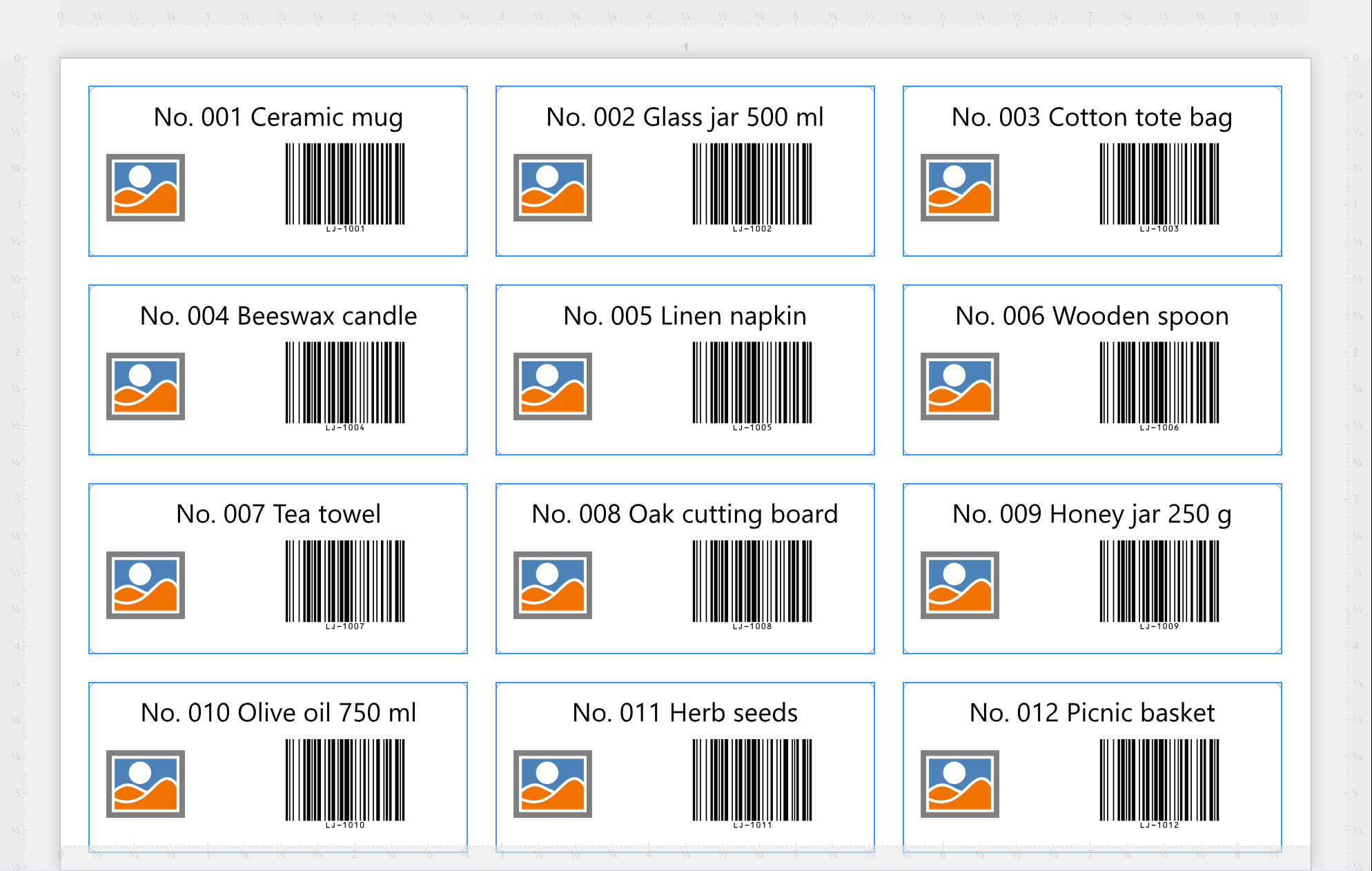
There are three kinds, and they mix freely with each other and with the words you type around them:
| Three kinds of placeholder | |
| Fields | A column of your data: every label shows its own row's value - a name, a price, a code. |
| Counters | A number, or letters, that go up (or down) from label to label: serial numbers, batch numbers, ticket numbers. |
| References | Things Labeljoy knows: the date and time, the page and label numbers, the file name, the layout - and Fill and print, a value it asks you for each time you print. |
Type Lot and a space, then put in a field, a dash and a counter set to start at 1 with three digits: the first label prints Lot 4A7-001, the next - with the next row of your data - Lot 5B2-002. There's nothing to join or combine: type the words, spaces and punctuation where you want them and put the placeholders between them. How they look in the editor, how to put them in and how to change them is all in Placeholders.
| Where they go | |
| Texts | Anywhere in the text editor of a Text. |
| Barcodes | In Text to encode, and in the add-on and composite parts some symbologies have - see Barcode. Each label gets its own barcode. |
| Page elements | Counters and references, which count and number pages rather than labels. Fields don't go there: a page isn't one row of your data. See Page elements. |
A field can do more than print its value. It can pick an element's picture, its colors (Color source), whether it prints at all (Conditional visibility, in Properties), and even the names of the files you export. Those take the whole field rather than a placeholder in a text.
On the work area, every label already shows its own values, so what you see is what prints. A few references only know their value when you print: Fill and print shows its title in braces until then.
Rather ask? Joy, the AI assistant, can write a text or a barcode with fields, counters and references in it for you - say what the label should read.




























