
LabeljoyNew version
Padding is the space left empty between an element's edge and what's in it, so a text or a barcode doesn't touch the border. Each part of an element has its own: a text, a barcode, a picture, a grid, a pattern and a line can each keep a different distance.
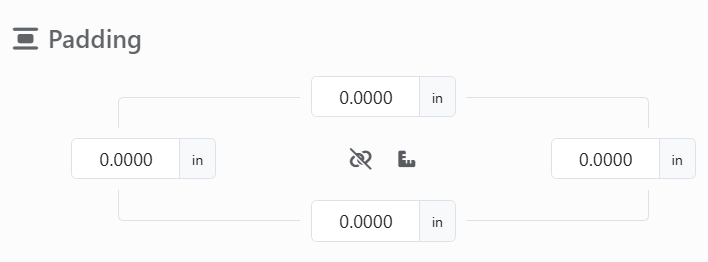
| The padding control | |
| Top, Left, Right, Bottom | The space on each side, in the unit you work in. |
 | All the same. The chain is broken while you set each side on its own; click it to link the four, and what you type in one goes to all of them. Click again to unlink them. |
 | Shows how the four are measured: the ruler, Fixed values, for measurements; %, Percent, for a share of the element - left and right of its width, top and bottom of its height - so the space grows and shrinks with it. Click it to switch. |
Padding that adds up to more than the element leaves nothing to draw in: the part disappears until you make the element bigger or the padding smaller.
The same four boxes turn up elsewhere with other meanings: the Page margins of the Layout panel (in measurements only), an element's Position, and the crop of a picture, in pixels.
See also




























